


How to Create an Account
The Register button sits beside Log in at the top of every page, on a computer and on a phone alike. We haven’t reproduced the form field by field, because layouts change, but the Privacy Notice does say what information registration involves:
- your email address and a username of your choosing;
- your full name and date of birth;
- your country and postal code;
- your phone number;
- your gender.
Your IP address and location are recorded automatically at the same moment. Two pieces of advice, if we may. Enter your name and date of birth exactly as they appear on your ID, since they’ll be compared with your documents later on – it’s sort of tedious to correct afterwards. And use an email you actually check, because password resets and notices from the operator all go there. The terms also allow just one account per person, household, phone number and IP address, so if someone at home is already registered, it’s worth a word with support first. Have your ID beside you when you start; it makes the form a two-minute job.
How to Log In
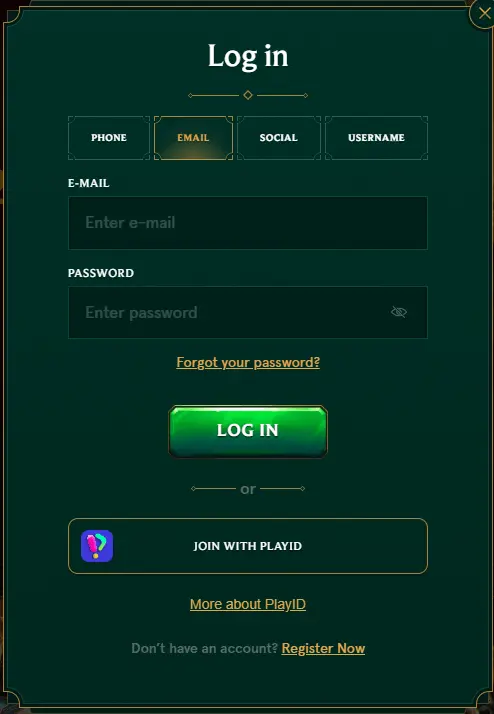
Logging in is about as plain as it could be. You press Log in, enter your username or the email address you registered with, type your password – the Help Centre also calls it a PIN – and confirm. That’s the one method the official site describes; it doesn’t mention signing in through a social network or with a one-time code, so we won’t suggest there’s another way. The same login opens the casino, the live casino and the sportsbook, and it’s the same on every device you use.
A small thing that causes a surprising amount of trouble: the password is case-sensitive. On a computer that means checking Caps Lock; on a phone it means watching the keyboard, which likes to capitalise the first letter for you. It’s also worth remembering, I mean really remembering, that the terms treat anything done under your login as done by you. So on a shared computer, don’t let the browser keep your password, and sign out when you’ve finished. If you’ve an account already, it’s a good moment to check that you can still get into the email it’s registered to.
Password Recovery and Account Access
Being locked out is annoying, but there’s a sensible order in which to try things, and it usually sorts itself out quickly. Based on what the Help Centre says, we’d go about it like this:
- Check the obvious first – the spelling of your username or email, and the capitals in your password;
- If you’ve changed your password recently, clear the browser’s cookies and cache, or try another browser;
- Use the forgot password option in the login window and enter your registered email in the pop-up, then follow the reset email;
- If the email doesn’t arrive, or nothing else works, contact support and send a screenshot of the error.
Support can also send a new password to your registered address, and they’re the people to ask if you’ve forgotten your username or which email you used. You’ll notice everything comes back to that email address, which is why it pays to keep it secure and current. Changes to your personal details go through support as well. And if you ever decide to close the account, the terms say you can ask by email – only with a zero balance and no pending withdrawals, though, so withdraw first.
Verification and Account Security

At some point you’ll be asked to verify your account. It can happen before or after a deposit, and it’s nothing personal – it’s how the operator confirms your age and identity and meets its anti-money-laundering obligations. The Help Centre lists what may be requested: a valid identity document that’s clearly legible, proof of residence issued within the last three or six months, proof that the payment methods you’ve used belong to you, and statements of recent transactions. It adds that the list isn’t exhaustive. According to the terms, further checks, such as a phone call or face verification, are possible too.
On timing, the two official sources differ a little, so here are both. The Help Centre says a check usually takes 24 to 48 hours once everything’s been received; the terms say documents are normally verified within ten days, and give you 30 days to send what’s asked for. Payments can be held until it’s done, which is why it’s kind of wise not to leave it until your first withdrawal. As for security, the operator states that sensitive data is encrypted. Your side of it is modest: a password you use nowhere else, and clear, uncropped photos of your documents ready when they’re needed.
Mobile Login and Support
On a phone, you sign in exactly as you would on a computer – same button, same details, same account. What differs is how you get there, and that depends on your device.
| Device | How you open the casino | Where it comes from |
| Android | The app, installed from an APK file | The operator’s official Android download page |
| Android | A home-screen shortcut | The Create Shortcut page on the site |
| iPhone and iPad | A home-screen shortcut | The Create Shortcut page on the site |
| Any phone | The mobile browser | The site itself |
Whichever you use, there’s only ever one account behind it, so nothing has to be registered again. Do take the Android app from the official download page and nowhere else; a login typed into the wrong app is a login given away. And on any phone, keep the screen lock on.
When you need a person, live chat is open 24 hours a day and email goes to [email protected], while the Help Centre has a section on accounts and verification. The same team will arrange a break or self-exclusion if you ask – gambling can be addictive, as the operator itself says, and nothing about it is guaranteed. So please, before you register, make sure it’s permitted where you live. And if you do go ahead, it seems like a small thing, but save the support address on day one.